
Ergonomic Keyboards: A Smart Investment for Wrist Health
If you spend hours typing, wrist pain can become a daily struggle. An ergonomic keyboard can alleviate strain by promoting a more natural hand and arm position. While many ergonomic keyboards prioritize function over form, there are luxury options that combine comfort with premium materials and design. In this article, we'll explore the best ergonomic keyboards for wrist pain, focusing on recognizable product families from brands like Logitech and Microsoft. We'll also discuss what to look for and how outlet shopping can help you save.
Why Ergonomic Keyboards Matter
Traditional keyboards force your wrists to bend outward, which can lead to conditions like carpal tunnel syndrome. Ergonomic keyboards are designed to reduce this strain through features like split layouts, tenting, and negative tilt. They encourage a neutral wrist position, reducing pressure on the median nerve. For those with existing wrist pain, an ergonomic keyboard can be a game-changer.
Key Features to Consider
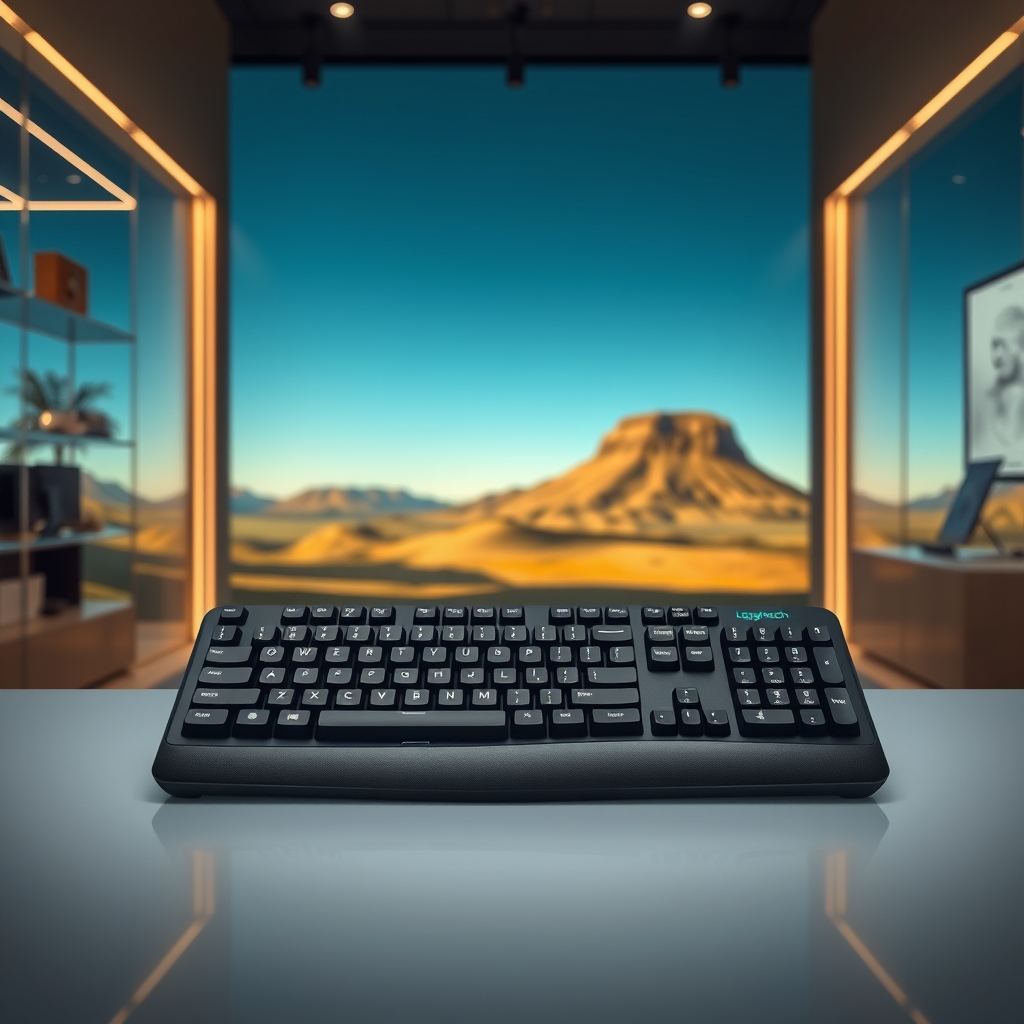
- Split design: Separates the keyboard into two halves, allowing your hands to rest at shoulder width.
- Tenting: Raises the center of the keyboard to reduce forearm pronation.
- Negative tilt: Slopes the keyboard downward away from you, keeping wrists straight.
- Palm support: Built-in or separate palm rests to keep wrists elevated.
- Adjustable split and tenting: Allows customization for your body.
- Switch type: Mechanical switches can provide better tactile feedback and require less force.
Top Ergonomic Keyboard Families
When it comes to ergonomic keyboards, a few product families stand out for their design and comfort:
- Logitech Ergo Series: The Logitech Ergo K860 is a popular choice with a curved, split design and adjustable palm lift. It offers a pillowed palm rest and is known for its comfortable typing experience. The Logitech MX Ergo is a trackball mouse that complements the keyboard for a complete ergonomic setup.
- Microsoft Sculpt Ergonomic Desktop: This keyboard features a split layout with a negative tilt and a separate number pad. It includes a cushioned palm rest and is often praised for its affordability and comfort.
- Kinesis Freestyle: Known for its fully split design, the Kinesis Freestyle allows for complete separation and adjustable tenting. It's a favorite among ergonomic enthusiasts.
- Microsoft Surface Ergonomic Keyboard: This keyboard has a unique alcantara palm rest and a split design, offering a premium look and feel.
These keyboards are widely available, and outlet shopping can sometimes yield significant savings on previous models or open-box items.
Upgrade your workspace with a luxury ergonomic keyboard. Selected outlet items may be available up to 60% off, with availability and actual discount varying by item. Contact us on WhatsApp to learn more.
Luxury Meets Ergonomics: Design Considerations
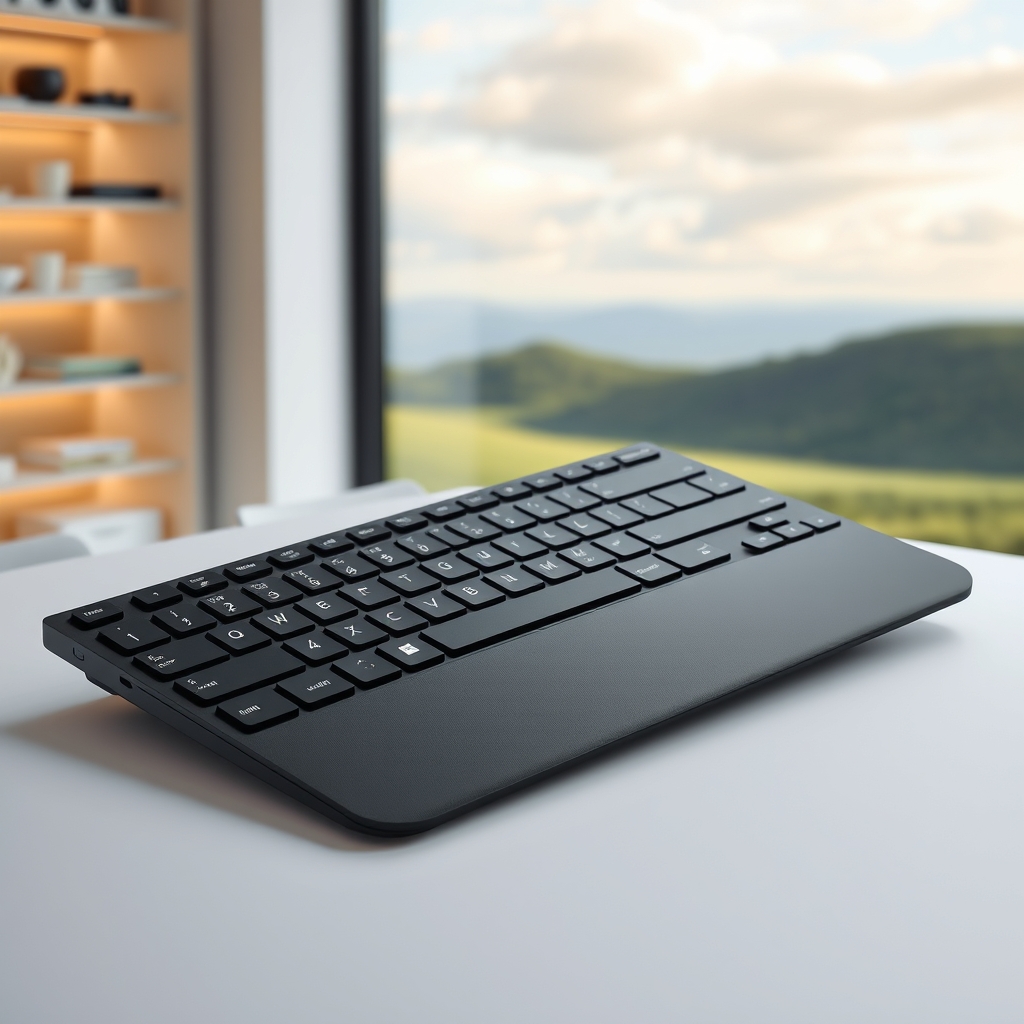
While ergonomic keyboards are primarily about function, some models incorporate luxury materials like aluminum, premium plastics, and soft-touch coatings. The Microsoft Surface Ergonomic Keyboard, for example, features a durable Alcantara palm rest that adds a touch of elegance. Logitech's Ergo series uses high-quality materials that feel comfortable and look sleek. These keyboards can complement a high-end office setup, blending seamlessly with luxury tech accessories.
Outlet Shopping for Ergonomic Keyboards
Outlet stores and online outlets often carry ergonomic keyboards at discounted prices. You might find previous-generation models from Logitech or Microsoft that still offer excellent ergonomics. When shopping outlets, check for warranty and return policies. Some outlets sell refurbished items, which can be a great value if they come with a guarantee. Always read the product description carefully to ensure you're getting the features you need.
Find comfort without compromising on style. Selected outlet items may be available up to 60% off, with availability and actual discount varying by item. Message us on WhatsApp for personalized recommendations.

Comparison: Logitech Ergo K860 vs. Microsoft Sculpt Ergonomic
The Logitech Ergo K860 and Microsoft Sculpt Ergonomic are two of the most popular ergonomic keyboards. The Logitech Ergo K860 has a curved, split design with a pillowed palm rest and adjustable palm lift. It uses scissor switches, which are quiet and responsive. The Microsoft Sculpt Ergonomic has a similar split design but with a negative tilt and a separate number pad. It uses membrane switches and includes a cushioned palm rest. Both are excellent for wrist pain, but the Logitech offers more adjustability, while the Microsoft is more affordable. Outlet prices can make either a great deal.
Setting Up Your Ergonomic Workstation
To get the most benefit from an ergonomic keyboard, adjust your chair and desk height so your elbows are at a 90-degree angle. Keep your wrists straight and your shoulders relaxed. Use a palm rest to support your wrists, but don't rest your wrists on it while typing; instead, use it between typing bursts. Take frequent breaks and stretch your hands and wrists. Pair your keyboard with an ergonomic mouse, like the Logitech MX Ergo, to complete the setup.